How to Get a TiviMate Premium Account (Firestick Guide)

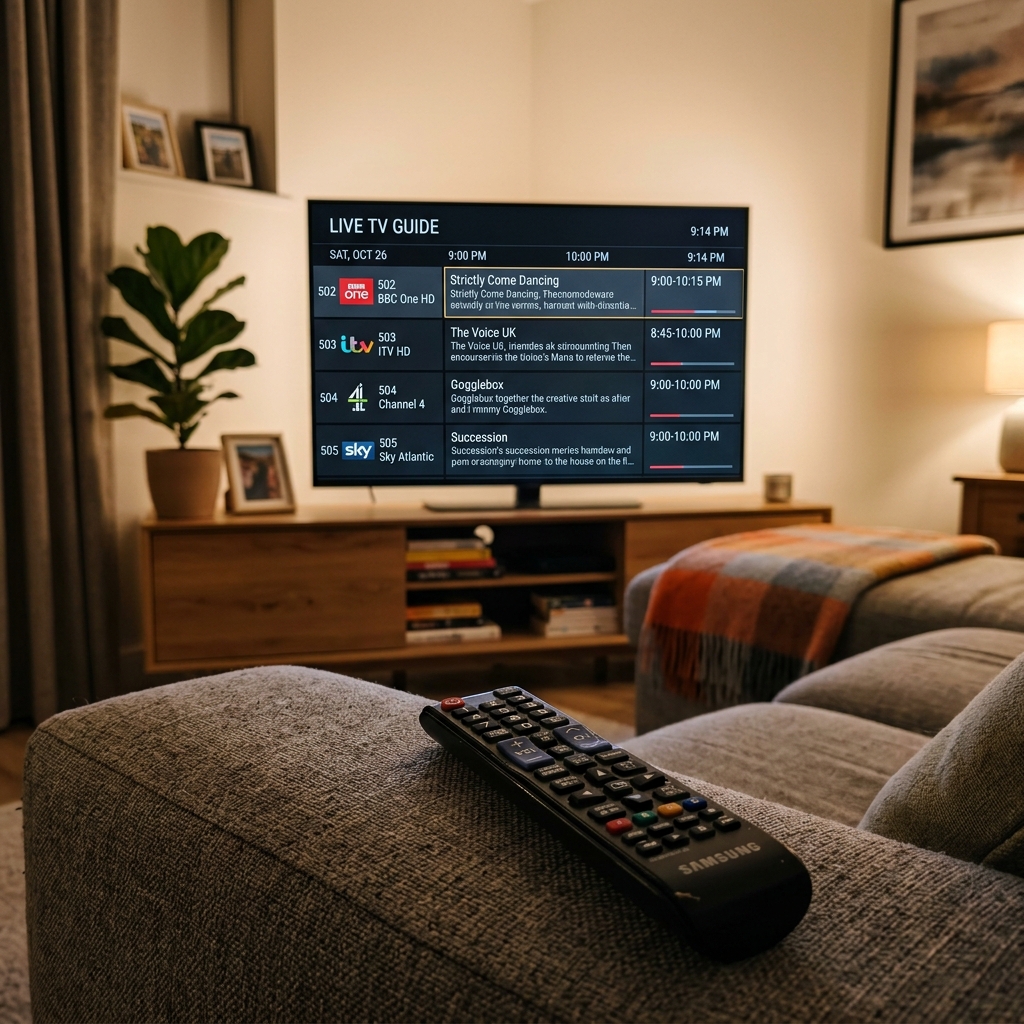
TiviMate is widely considered the absolute best IPTV player for Firestick and Android TV. However, to unlock its full potential (such as custom channel groups, multiple playlists, EPG updates, and backup restoring), you must register a TiviMate premium account.
Learn more about players and sideloading in our comprehensive Ultimate Guide to Firestick IPTV & Sideloading.
🌟 Why Upgrade to TiviMate Premium?
- Custom Channel Groups: Organize your favorite international channels.
- Scheduled Recordings: Record live sports and shows onto your device storage.
- Multi-Screen Mode: Watch up to 4 live sports streams simultaneously.
- Automatic EPG Updates: Keep your TV guide up to date automatically.
🛠️ Step-by-Step Activation Process
Since Amazon Firestick does not support Google Play Services directly, activating TiviMate Premium requires a secondary step:
- Install the official TiviMate Companion app on an Android phone or using a PC emulator.
- Create an account inside the companion app.
- Choose either the yearly subscription or the one-time lifetime purchase.
- Open TiviMate on your Firestick, log in with the account you created, and select Unlock Premium.
To feed your premium player with premium channels, upgrade to our high-quality servers:
🚀 View Premium IPTV Pricing & Plans or chat with us on WhatsApp Support for instant setup.
❓ Frequently Asked Questions
Can I use TiviMate Premium on multiple Firesticks?
Yes, a single premium account supports up to 5 devices simultaneously.
Need a Premium IPTV Playlist for your Smart TV?
Unlock 50,000+ 4K UHD Channels, Movies, and Series with zero buffering. Anti-freeze technology & instant WhatsApp activation.
About Patrick Mitchell
Patrick is a Senior Streaming Editor at FirestickTricks with over 15 years of professional experience in network engineering, Android TV architecture, and IPTV protocol testing. He specializes in helping cord-cutters optimize their home entertainment setups securely.