How to Use the TiviMate Companion App (Firestick Activation)

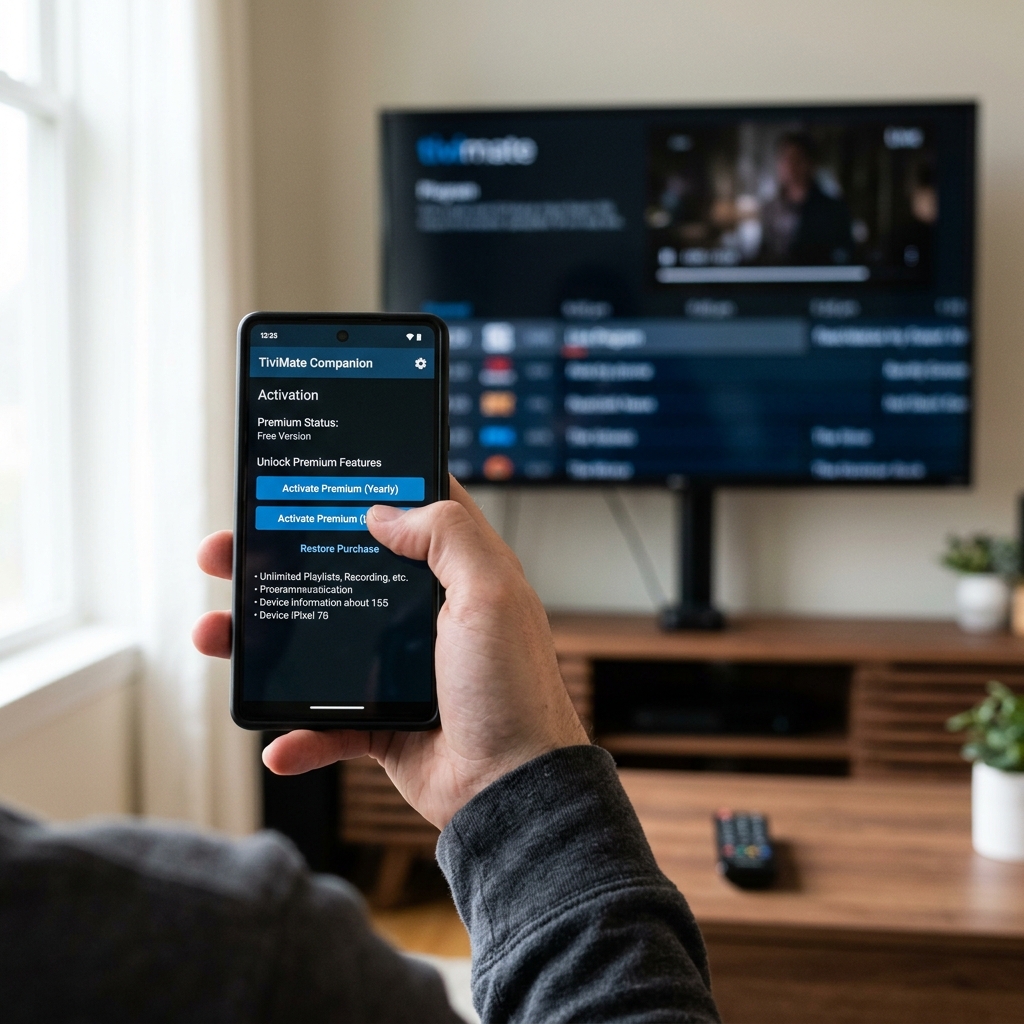
Since the Amazon App Store does not support Google Play accounts, Firestick users cannot directly buy TiviMate Premium from inside the TV app. You must use the official TiviMate companion app to register your devices.
Learn more about TiviMate Premium: Ultimate Guide to Firestick IPTV & Sideloading.
🛠️ How to Activate Premium Using the Companion App
- Install TiviMate Companion from the Google Play Store on an Android phone or tablet.
- If you don't have an Android device, install a emulator (like BlueStacks) on a PC.
- Open the companion app and register a new account.
- Purchase a premium subscription license linked to your account.
- Launch TiviMate on your Firestick, go to Settings → Unlock Premium, and enter your login details.
To load your newly activated premium player with premium channels, upgrade to our high-quality servers:
🚀 View Premium IPTV Pricing & Plans or chat with us on WhatsApp Support for instant setup.
❓ Frequently Asked Questions
Can I register multiple Firesticks?
Yes, a single purchase allows you to activate up to 5 individual streaming devices.
Need a Premium IPTV Playlist for your Smart TV?
Unlock 50,000+ 4K UHD Channels, Movies, and Series with zero buffering. Anti-freeze technology & instant WhatsApp activation.
About Patrick Mitchell
Patrick is a Senior Streaming Editor at FirestickTricks with over 15 years of professional experience in network engineering, Android TV architecture, and IPTV protocol testing. He specializes in helping cord-cutters optimize their home entertainment setups securely.